Verbos / Story
Animated timeline maker for videos
An animated timeline that moves from date to date: horizontal, vertical or full-screen cards, with photos. Made in your browser, exported as MP4.
What is “Timeline”?
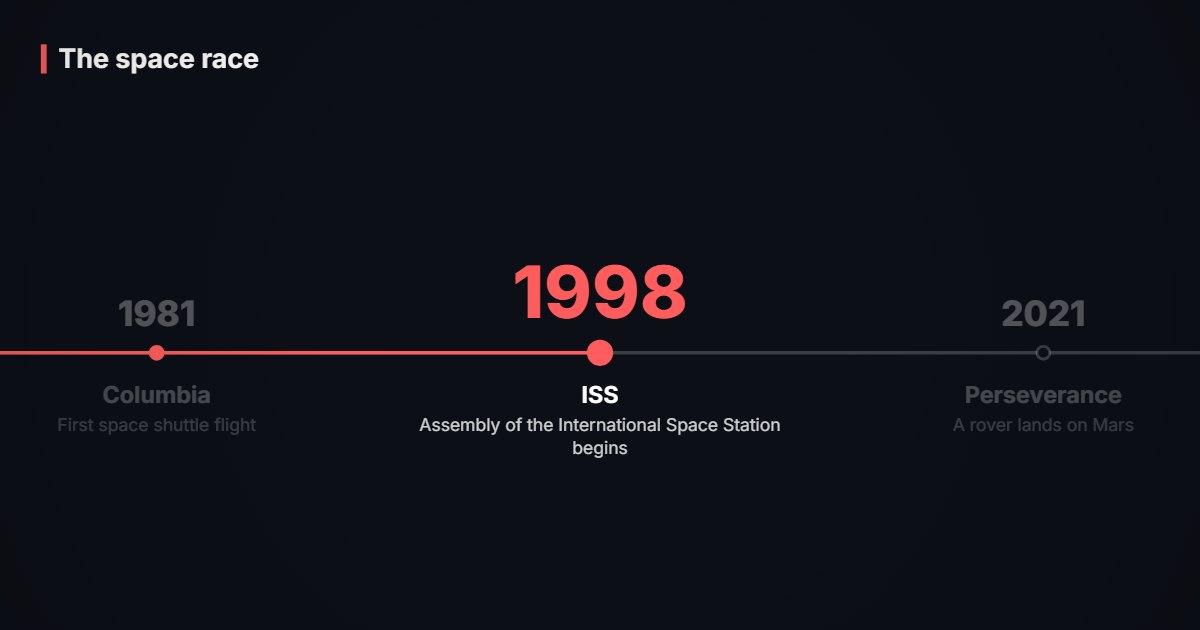
The timeline tool animates events from date to date: horizontal timeline, vertical timeline or full-screen cards, with a photo for each event. Spacing can follow the real time between dates. Ideal to tell a story, a career or how a subject evolved.
- Tool
- 🗓️ Timeline
- In short
- 3 layouts · photos · time scale
- Privacy
- Everything happens in your browser: no file is uploaded.
What it is for
History video
The key dates of the space race, from Gagarin to Perseverance, with an archive photo for each event.
Portrait or biography
The stages of a life or a career as full-screen cards, paced with the voice-over.
Company story
The history of a brand or a project as a vertical timeline, in 9:16 for social media.
How to use it
- Write your events, one per line: “date | title | description” (the description is optional).
- Add one photo per event if you like.
- Choose the layout, the colours and the time per event.
- Export as MP4.
Ready-made styles
Frequently asked questions
- Is the time between dates respected?
- If you want: the “Spacing proportional to dates” option places events according to their real distance in time (with numeric dates, such as years).
- How is the date shown?
- Exactly as you write it: “1969”, “July 1969” or “21 July 1969”. It appears in large type above the title.
- Can I use it without photos?
- Yes, photos are optional; the timeline reads well with dates and titles only.