Verbos / Documents
Highlight a document in your video
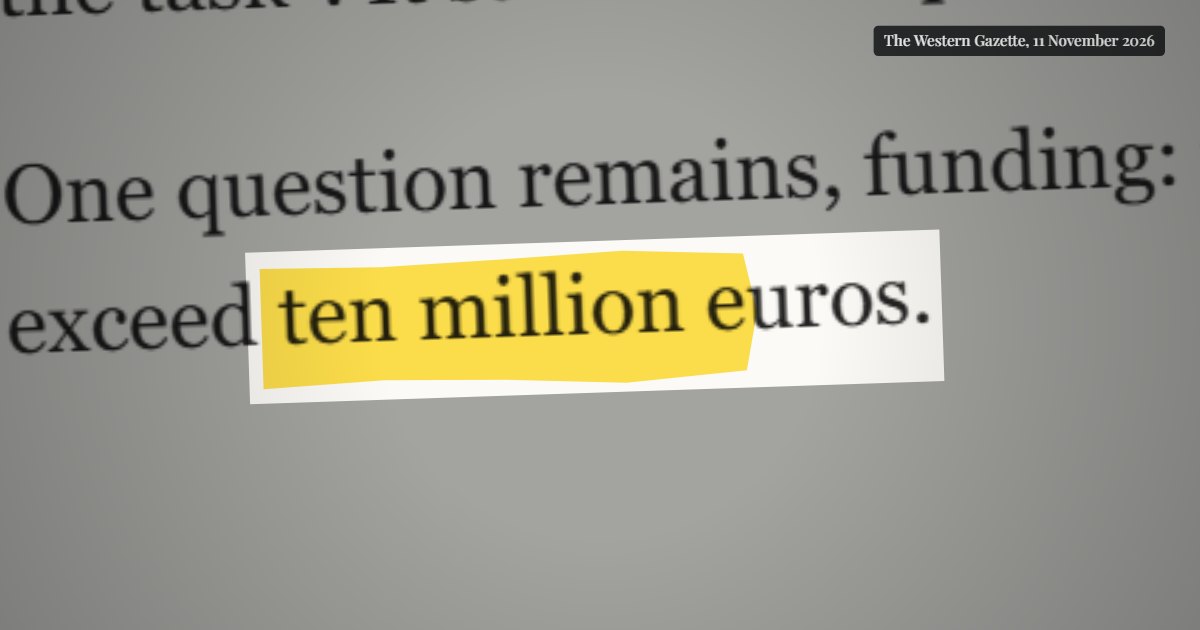
Zoom into an article or PDF, highlight, box or redact a passage and show the quote on screen: the investigative documentary look, as MP4.
What is “Document highlighter”?
The document highlighter zooms into a passage of an article, report or PDF, then highlights, boxes, underlines or redacts it, and can show the quote on screen. It is the look of investigative documentaries and analysis videos, made from a simple screenshot.
- Tool
- 🖍️ Document highlighter
- In short
- Highlighter, frame, redaction · quotes
- Privacy
- Everything happens in your browser: no file is uploaded.
What it is for
Investigative journalism
Show the exact sentence of an official report: the camera zooms in, the highlighter passes, the quote appears at the bottom with its source.
Analysis video
Chain several passages of the same article, keeping the previous marks to build an argument.
Sensitive file
Redact names with black bars, the “classified file” look, on an archive document.
How to use it
- Import a screenshot of the document (PNG or JPG).
- Select the passages to mark with the mouse, in order.
- Choose the effect (highlighter, pen box, underline, redaction, spotlight), the colour and the background.
- Add quotes and the source if needed, then export as MP4.
Ready-made styles
Frequently asked questions
- Do I need a PDF?
- No, a screenshot is enough. For a PDF, take a sharp screenshot of the page you want so the zoom stays crisp.
- Are my documents sent anywhere?
- No. The image stays in your browser; rendering and export happen on your machine.
- Can it look hand-drawn?
- Yes: the “Uneven, felt-tip stroke” option imitates a real highlighter, and the handheld camera adds a slight drift.