Verbos / Overlays
Lower thirds maker: transparent titles for your edit
Animated lower thirds, quotes, locations, counters and titles to drop on your edit, as transparent WebM or on green screen. In your browser.
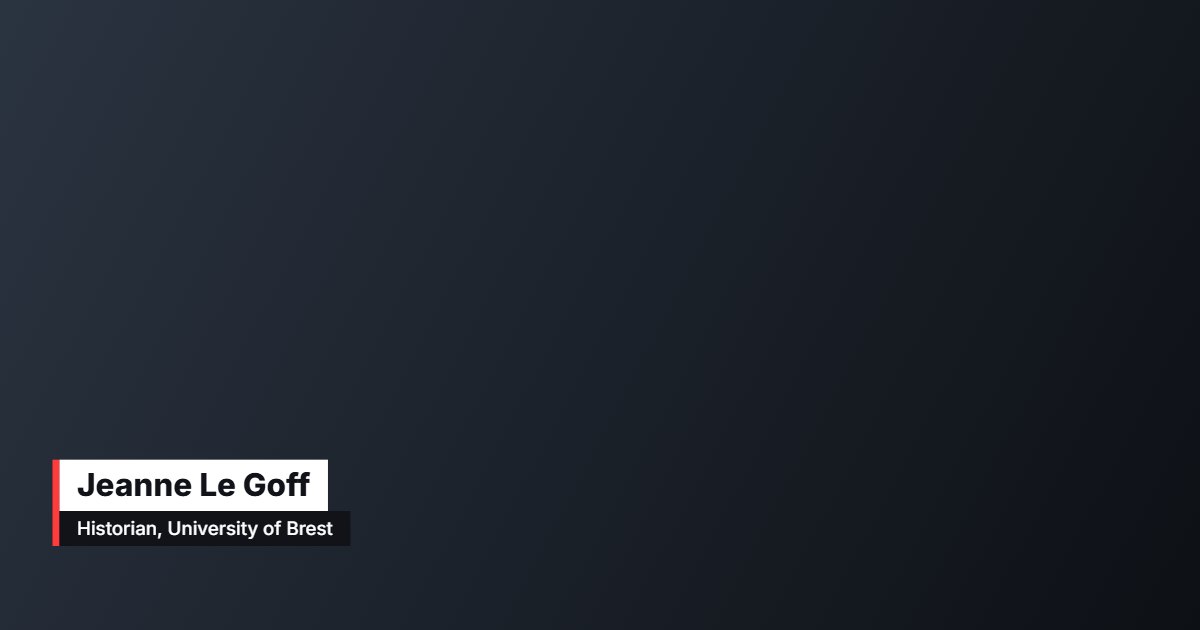
What is “Transparent overlays”?
The lower thirds maker creates name titles, quotes, place and date cards, counters, animated titles and subscribe buttons to lay over your edit. They export as WebM with transparency, or on a green or blue background if your editing software does not read transparency.
- Tool
- 🎬 Transparent overlays
- In short
- 6 types · transparent WebM
- Privacy
- Everything happens in your browser: no file is uploaded.
What it is for
Documentary or report
Introduce each speaker with a clean lower third: name on top, role below.
YouTube video
An animated “Subscribe” button or a counter running up to a key figure.
Field report
Show the place and date at the start of each sequence.
How to use it
- Choose the graphic: lower third, quote, place and date, counter, title or button.
- Write the text and choose the style, position and colours.
- Set the in and out animations and the duration.
- Export as transparent WebM (or on green) and drop it on your editing timeline.
Ready-made styles
Frequently asked questions
- What if my software does not read transparency?
- Export on a green or blue background and use your editor’s chroma key: the result is the same.
- Can I use my own font and logo?
- Yes, font, logo and colours are adjustable and remembered for your next graphics.
- Can I make a counter?
- Yes: start, end and decimals are adjustable; the number counts during the animation.