Verbos / Real estate
Real estate listing video maker
One video per listing, no editor needed: animated property photos, price, floor area, energy rating, captions and an agency contact screen.
What is “Property slideshow”?
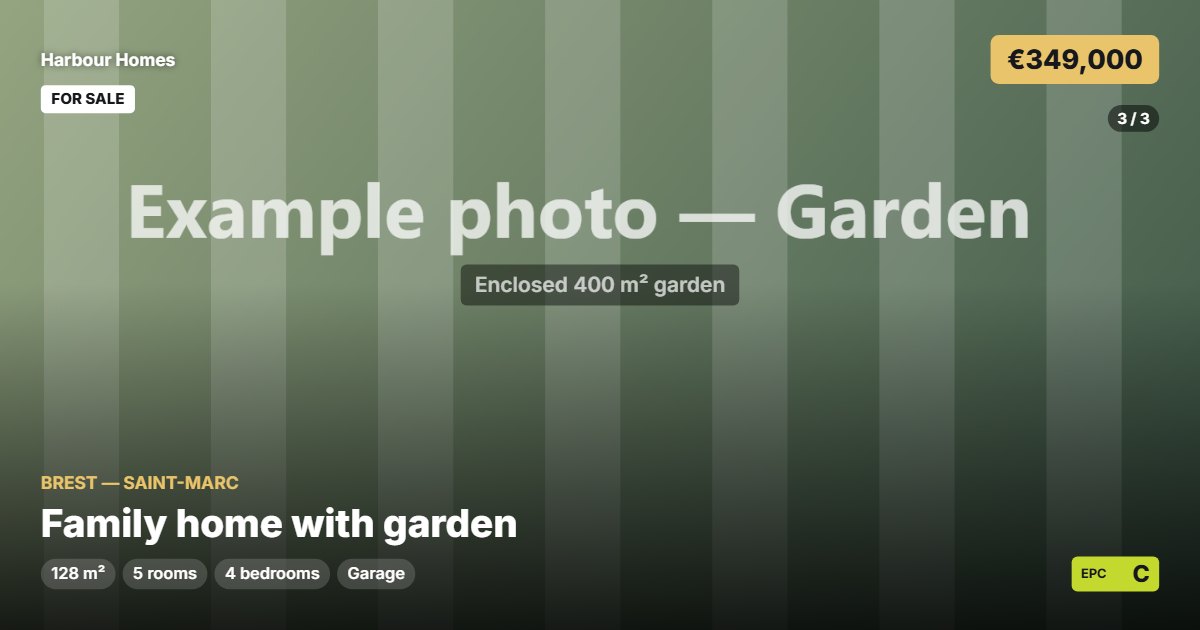
The real estate video maker turns property photos into a listing video: animated photos, captions, price, floor area, energy rating label, a “For sale” or “Exclusive” banner and the agency contact screen at the end. One video per listing, no editor needed.
- Tool
- 🏡 Property slideshow
- In short
- Energy rating · 4 transitions · contact card
- Privacy
- Everything happens in your browser: no file is uploaded.
What it is for
Real estate agency
A video for every new listing, in social media formats, ending with the agency contact details.
Online listing
A 16:9 slideshow to attach to the listing on property portals and YouTube.
Private seller
Show off a property for sale or rent with animated photos and the key information.
How to use it
- Import the property photos in the order of the visit, and add a caption to each.
- Enter the title, location, features, price and energy class.
- Choose the layout, the transition and the banner.
- Add the agency contact screen, then export as MP4.
Ready-made styles
Frequently asked questions
- Can the energy rating be shown?
- Yes, the A to G label is shown with its standard colours.
- How many photos can I use?
- As many as you like; the time per photo and the transition are adjustable.
- Are the photos uploaded to a server?
- No, they stay on your computer; the video is made in your browser.