Verbos / Press
Make a text match cut from Wikipedia articles
Type a word: Match text finds it in dozens of Wikipedia articles and cuts page after page, the word locked in the centre. 3D camera, blur, MP4 or GIF export.
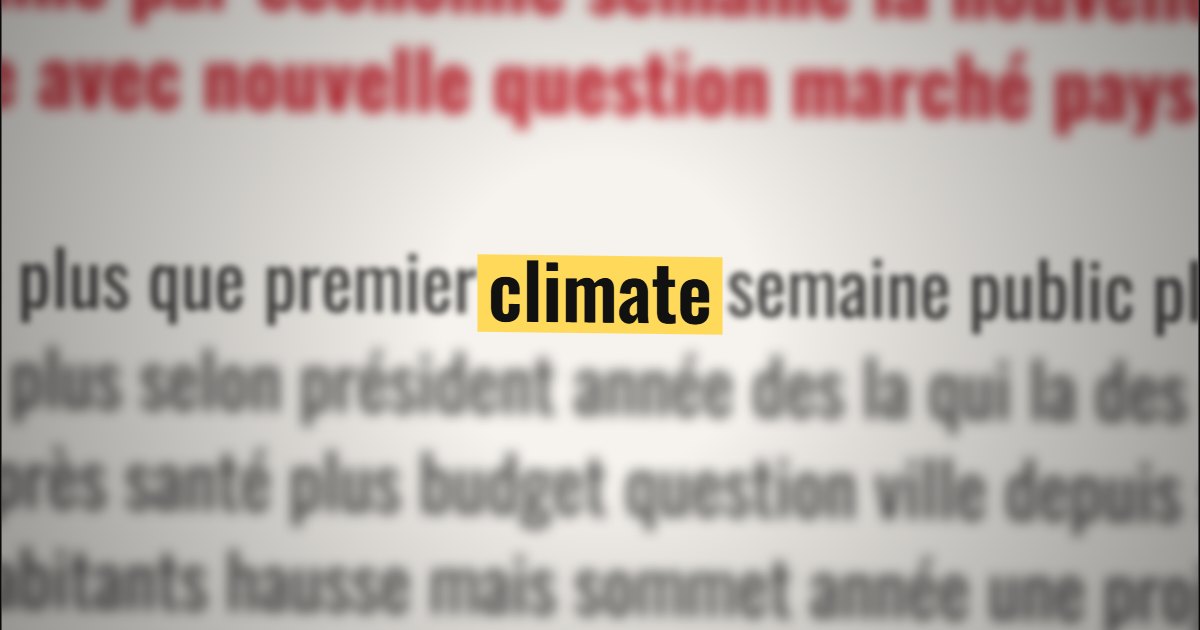
What is “Match text”?
Match text makes a text match cut: type a word, the tool finds it in dozens of Wikipedia article extracts and cuts from page to page. The word stays still in the centre of the screen, highlighted, while the page around it changes at every cut. A popular effect to open a documentary or a news video.
- Tool
- 📰 Match text
- In short
- Wikipedia · 25 languages · 3D, blur, screen effect · MP4, GIF
- Privacy
- Everything happens in your browser: no file is uploaded.
What it is for
The word everyone is talking about (“inflation”, “drought”, “artificial intelligence”) shows up on thirty different pages in a few seconds: the topic is set before the first sentence.
A burst of quick cuts on a name or an idea makes its omnipresence felt, without any voice-over.
In 9:16, with the 3D camera and cut sounds, a ten-second match cut makes a strong hook for a Reel or a Short.
How to use it
- Type the word and pick the Wikipedia language (25 languages).
- Pick a style: 3D tracking shot, filmed screen, archives or night. Set the cut pace, the blur and the highlight colour.
- Check the preview: every page is a real extract, with its source.
- Export as MP4 (16:9, 9:16 or square) or as a GIF.
Ready-made styles
Frequently asked questions
- Where do the texts come from?
- From Wikipedia articles, searched live in the chosen language. The extracts remain under their licence (CC BY-SA): credit the source if you show them for long.
- Does the word really stay in the same place?
- Yes: every page is reframed so the word lands exactly on the same spot of the screen, at the same size. That is what makes the match cut.
- Can I add a sound on every cut?
- Yes: camera shutter, typewriter, film advance, rubber stamp… or your own sound, with adjustable volume.