Verbos / Tech
Code animation for tutorial videos
Code rewrites itself on screen: each token slides to its new place between two versions. Dracula, light and other themes, exported as MP4.
What is “Code animation”?
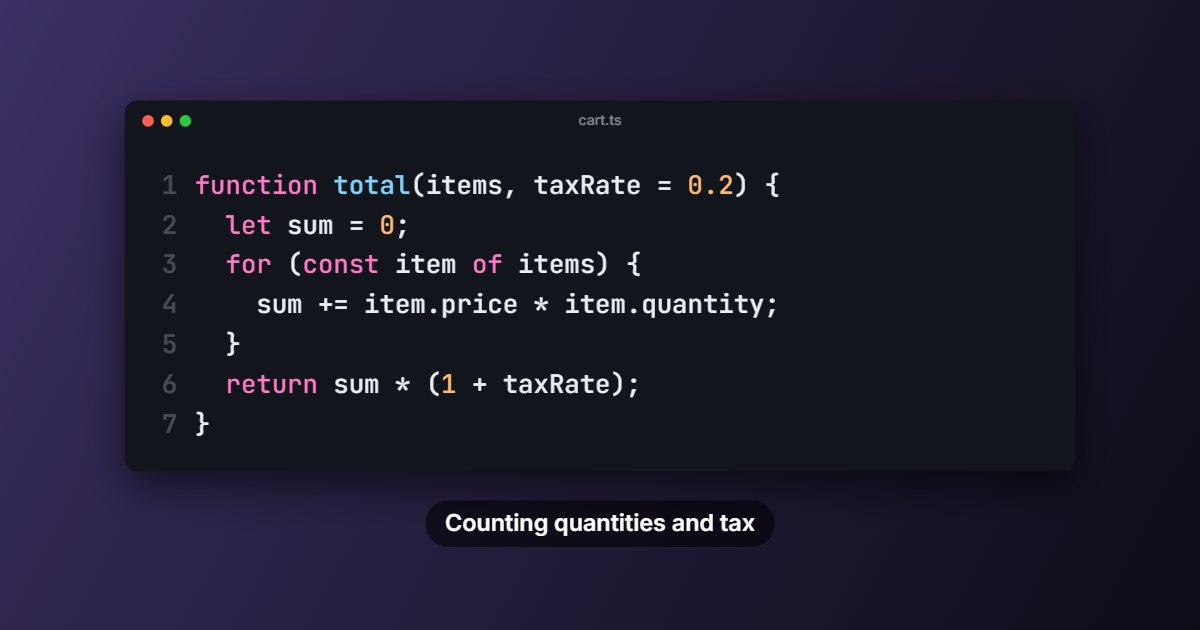
The code animation tool shows code rewriting itself on screen: between two versions, each token slides to its new place, new parts are highlighted and removed parts fade out. The first version can be typed out like on a keyboard. Made for programming tutorials and technical talks.
- Tool
- ⌨️ Code animation
- In short
- Word-by-word morphing · 5 themes
- Privacy
- Everything happens in your browser: no file is uploaded.
What it is for
Video tutorial
Show a function evolving step by step, with no cuts and no copy-pasting on screen.
Technical talk
Explain a refactoring by sliding the code from the old version to the new one.
Social media
A coding tip in 9:16, typed live and then transformed.
How to use it
- Paste the successive versions of the code, separated by a “---” line (text after the dashes shows as a caption).
- Choose the colour theme (Dracula, Monokai, Nord, light…) and the window style.
- Set the typing, transformation and pause durations.
- Export as MP4.
Ready-made styles
Frequently asked questions
- Which languages are highlighted?
- Highlighting recognises what most languages share: keywords, strings, numbers, function calls and comments.
- Can I show line numbers?
- Yes, it is an option, like the file name at the top of the window.
- Is my code sent anywhere?
- No, everything stays in your browser.